TBX Customer Management simplifies how you manage customers, jobs, and billing—so nothing falls through the cracks.
TBX centralizes customer profiles and enables seamless quoting
and invoicing from a single system.
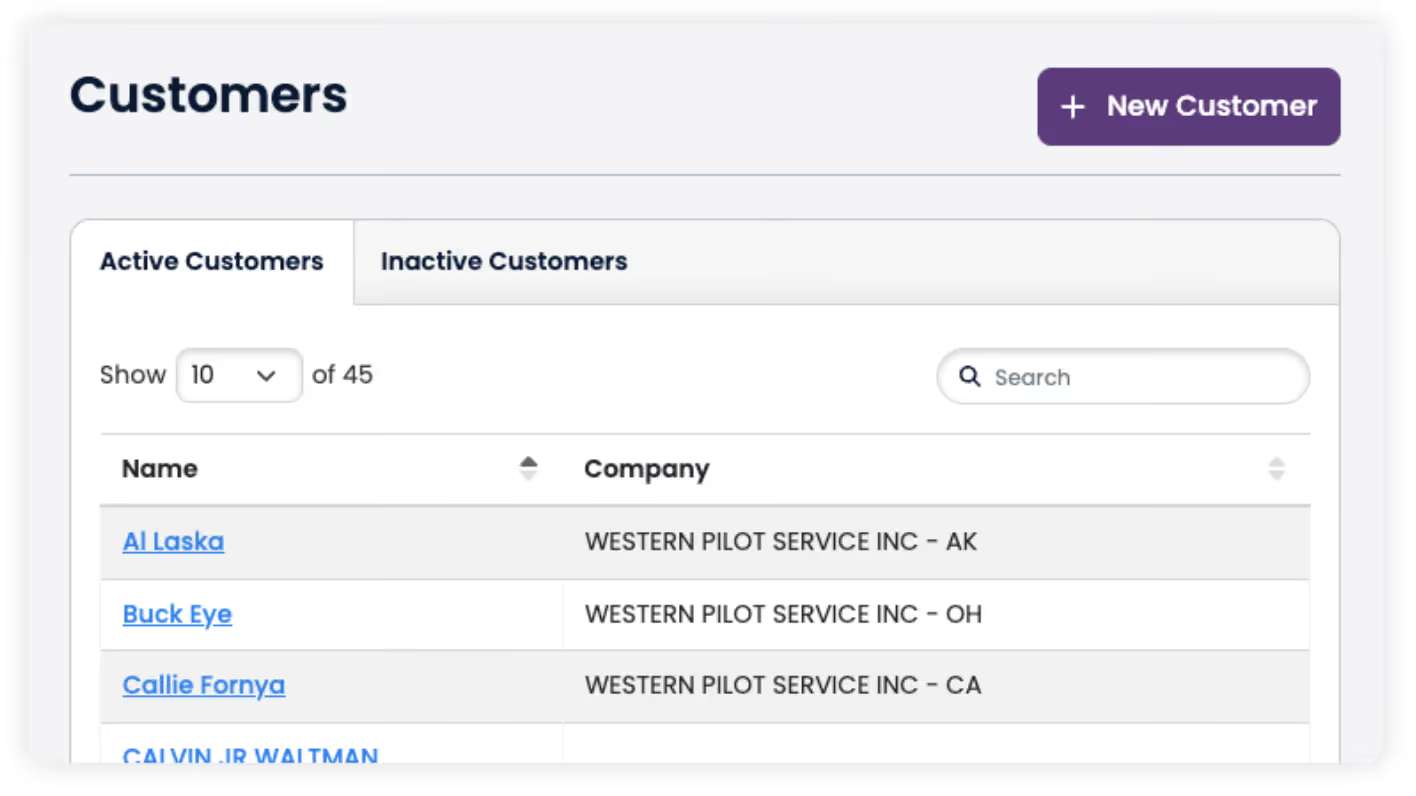
Manage all customer accounts and contact information in one centralized system.
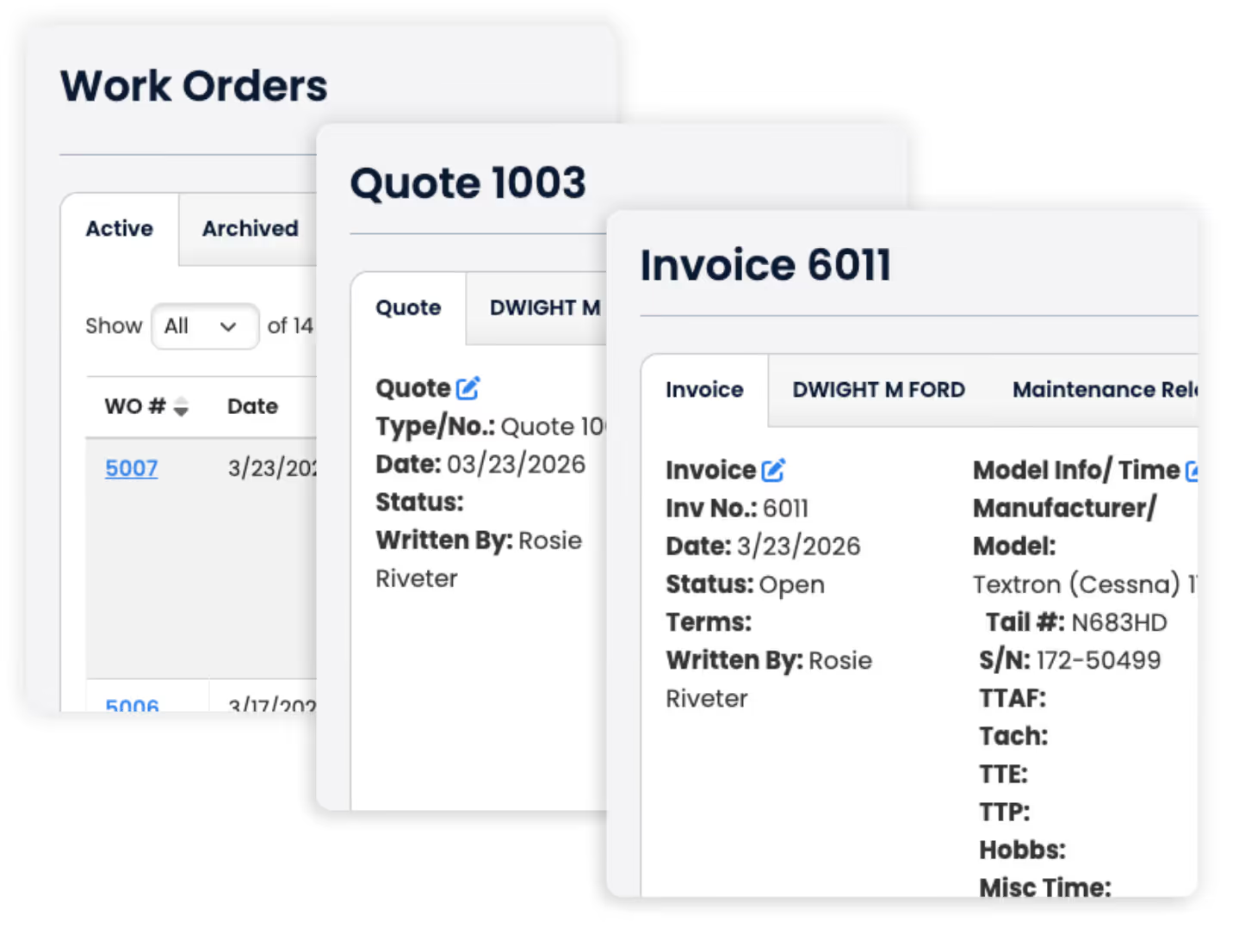
Build quotes and invoices directly from work orders—or create them as stand alone documents with ease. And, seamlessly integrate with QuickBooks to keep your financials accurate and in sync without extra steps.
From small operations to expanding maintenance facilities, TBX helps you stay organized, professional, and efficient at every step.

Owner information can be updated directly within the aircraft profile. You can edit existing owners, add multiple owners, or replace ownership when an aircraft is sold.
Not currently. TBX does not support exporting or using the customer list for mailing purposes.
When you create an aircraft profile using the N-number, TBX automatically captures owner information and adds it to your customer list, which you can manage and update at any time.
Get hands-on access to TBX and see if it fits your workflow.


